Behind the scenes
Ayden Studio's images are generated with AI. But AI alone can't tell a story, or keep the same little boy from one shot to the next. Here's how an episode is made.
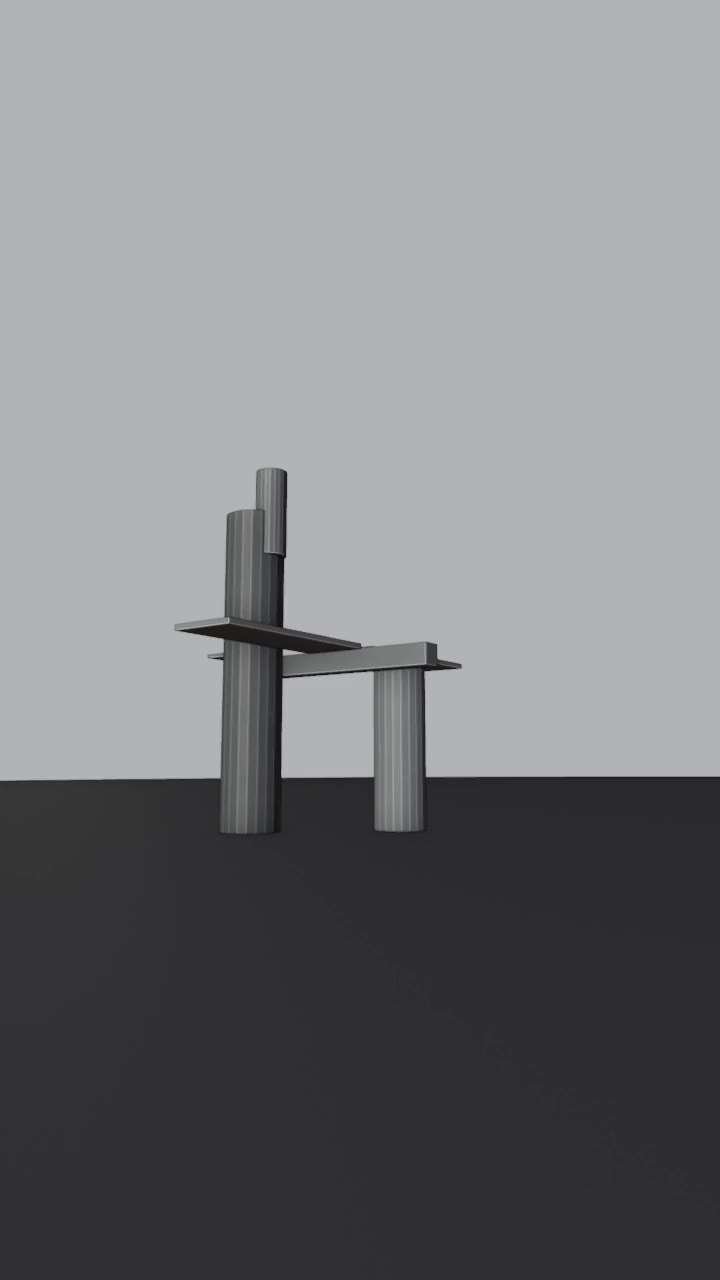
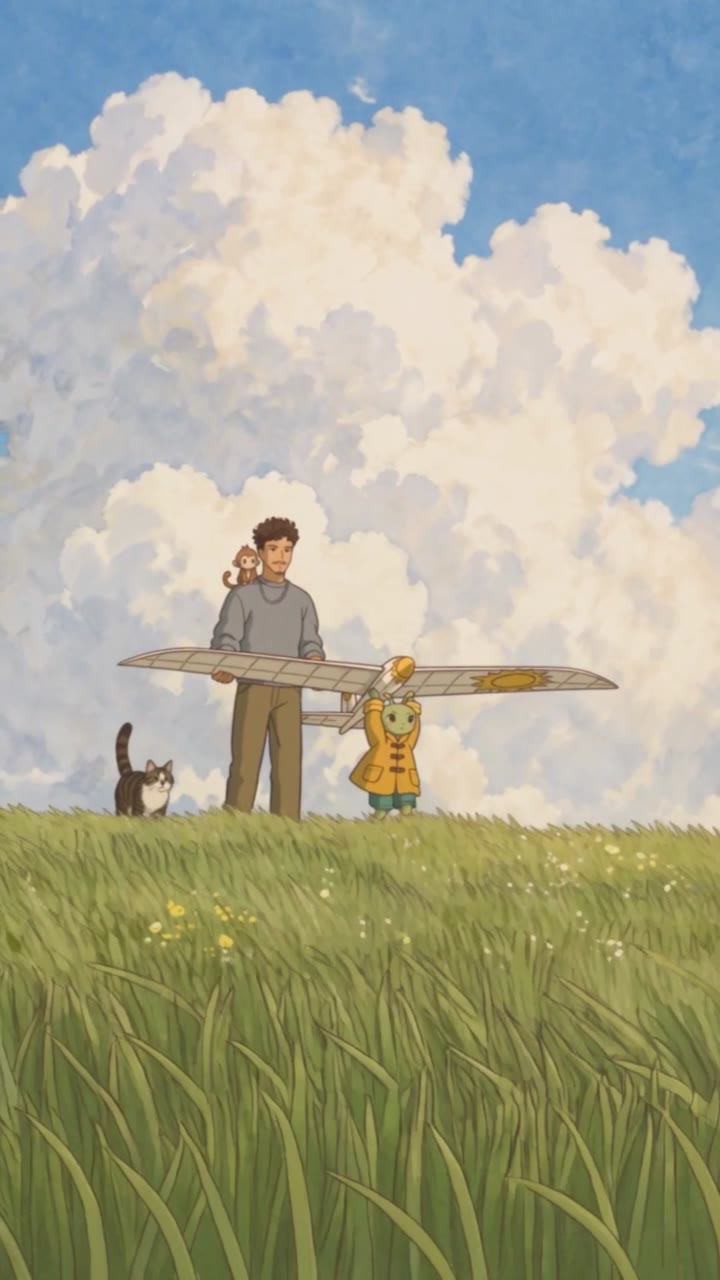
Left: the grey mock-up used to place the camera. Right: the same shot in the finished episode.
The 7 steps
The dream and the shot list
We write the story, then break it into scenes and shots of a few seconds: framing, camera movement, action, sound effects and transitions.
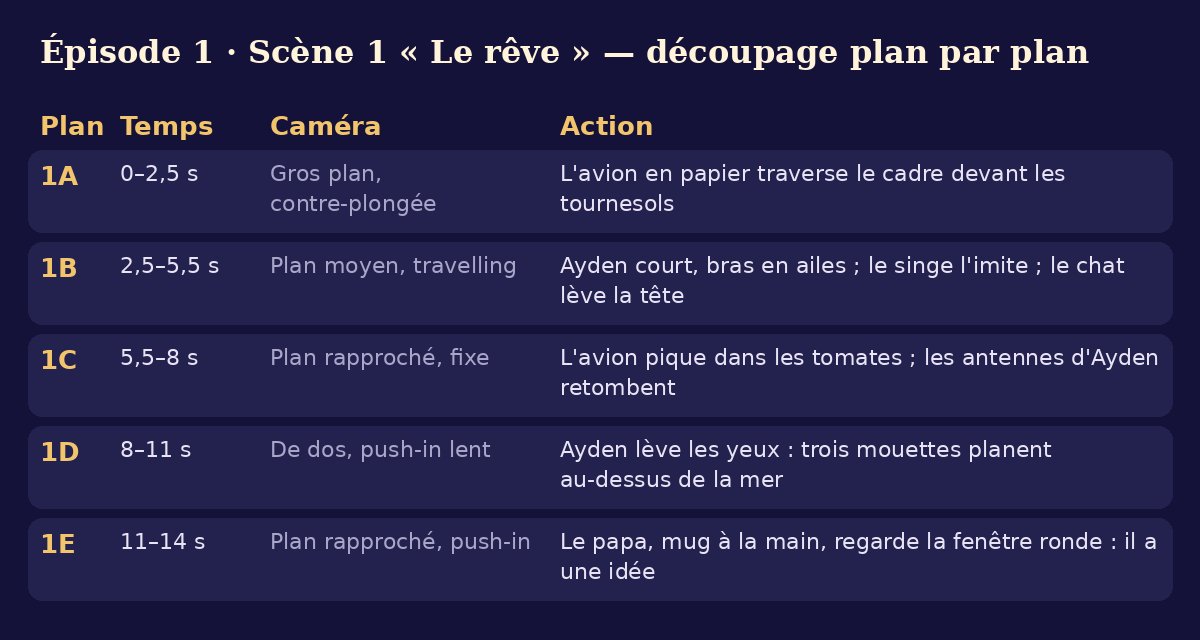
The shot list for the first scene of “Ayden's Wings”: five shots in fourteen seconds. The grey 3D mock-up
In Blender, grey sticks stand in for the characters. We set the camera and the pace of each shot there.
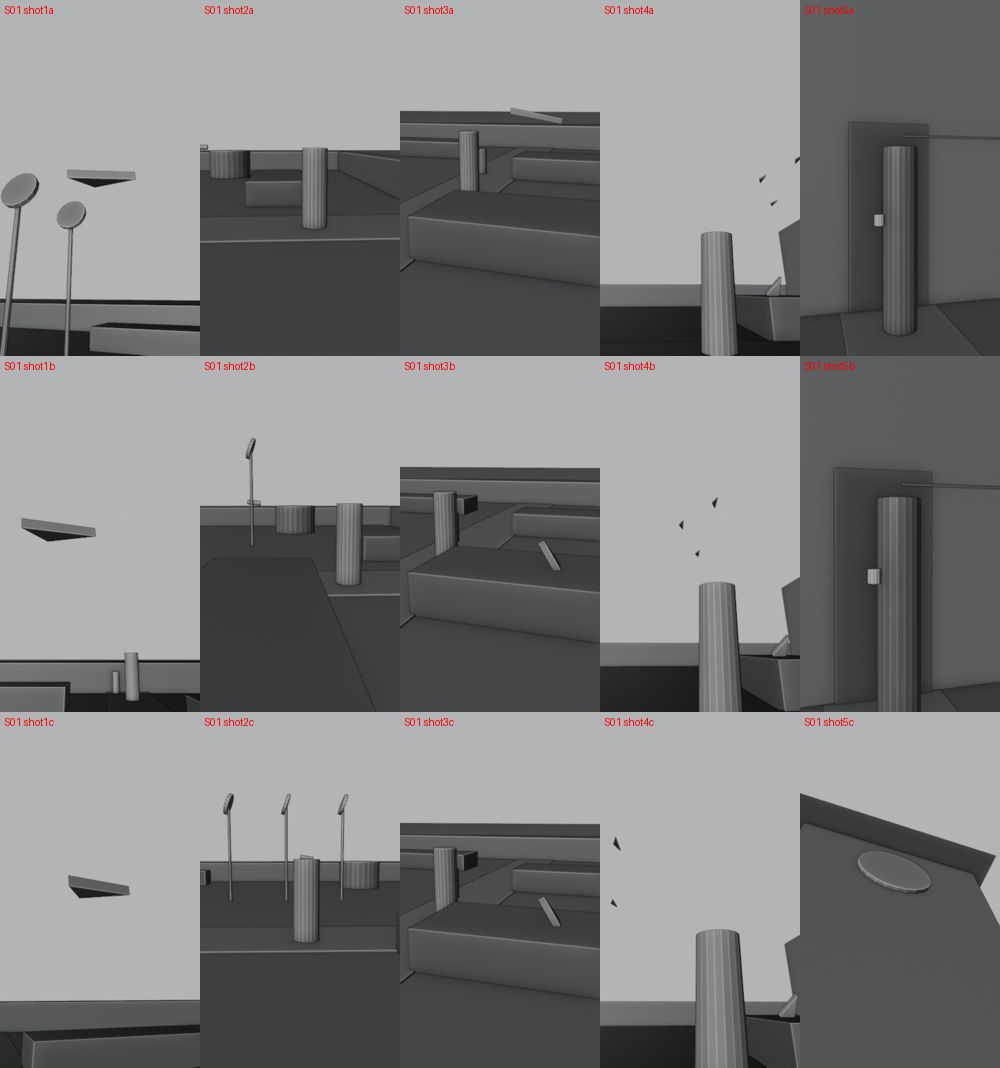
The grey mock-up of the same scene: each thumbnail is a shot, seen through the camera. The reference sheets
Every recurring character, place and object has its sheet: front, back, colours, size. Without them, the wheelbarrow turns into a wicker basket in the next shot.
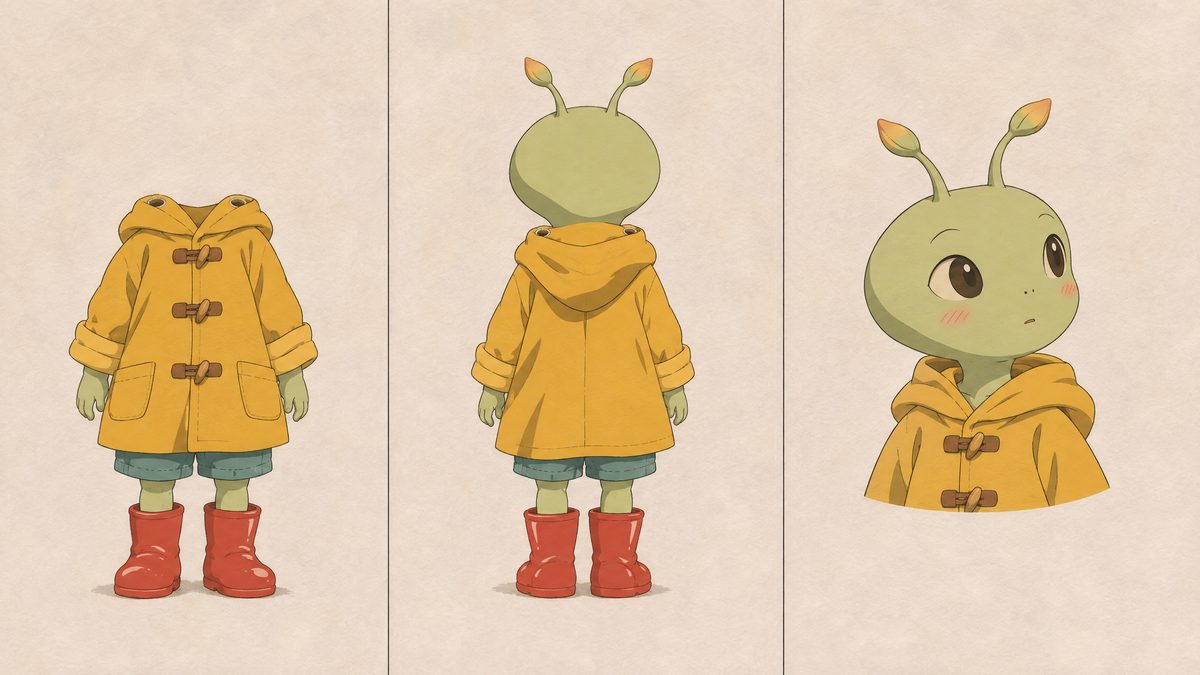
Ayden's sheet: front, back, three-quarter. 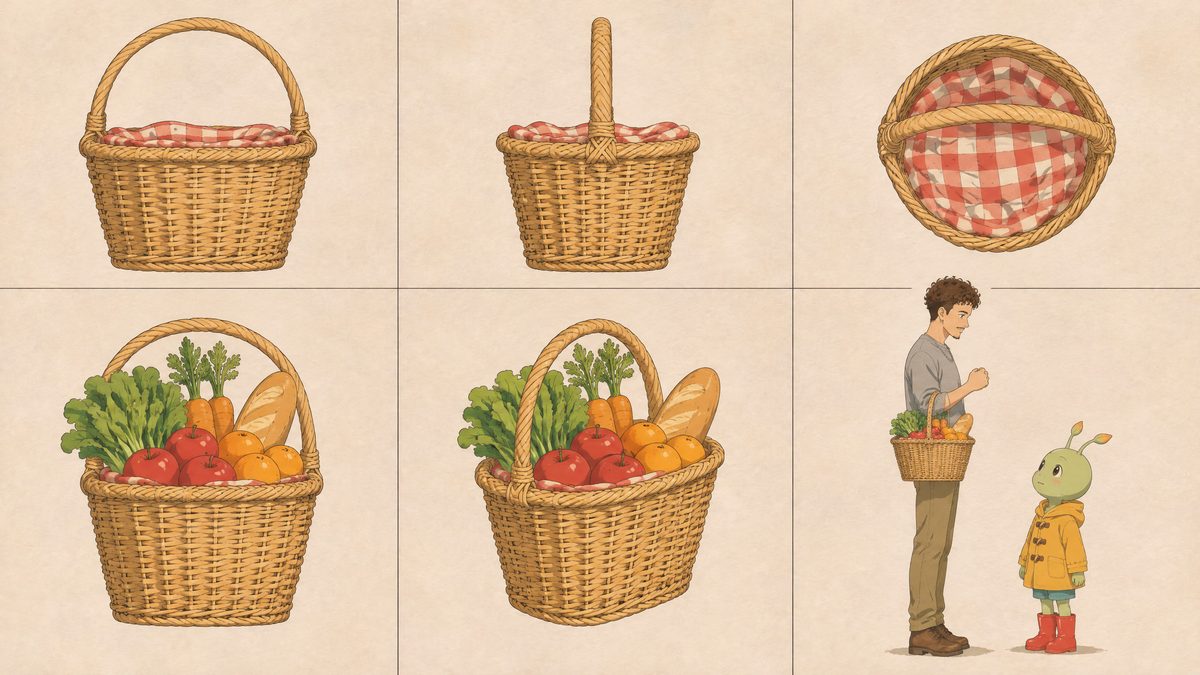
The basket sheet from episode 3: empty, full, and its size next to the characters. The instructions for each shot
Who is in the shot, who isn't, where the camera goes, which sounds we hear and at which second.
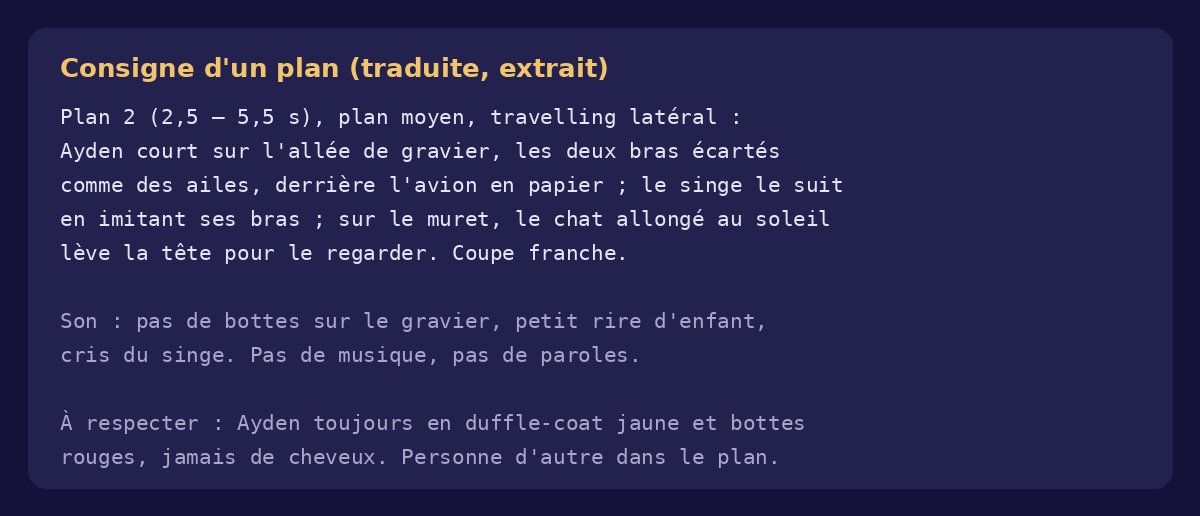
An excerpt of instructions: the action, the sound and what must stay the same. Generation and checking
The AI creates the shots from the sheets and the mock-up. Then we check everything frame by frame, and a failed shot is redone.
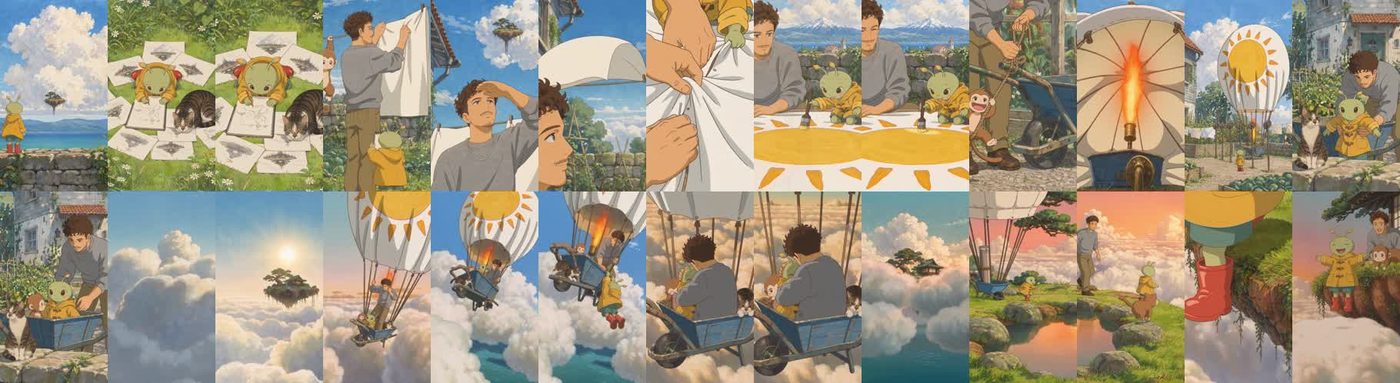
The episode 2 check sheet: we review the whole episode frame by frame. The music
Instrumental music timed to the key moment: it stops dead at the “splash” or the crack of wood, then starts again.
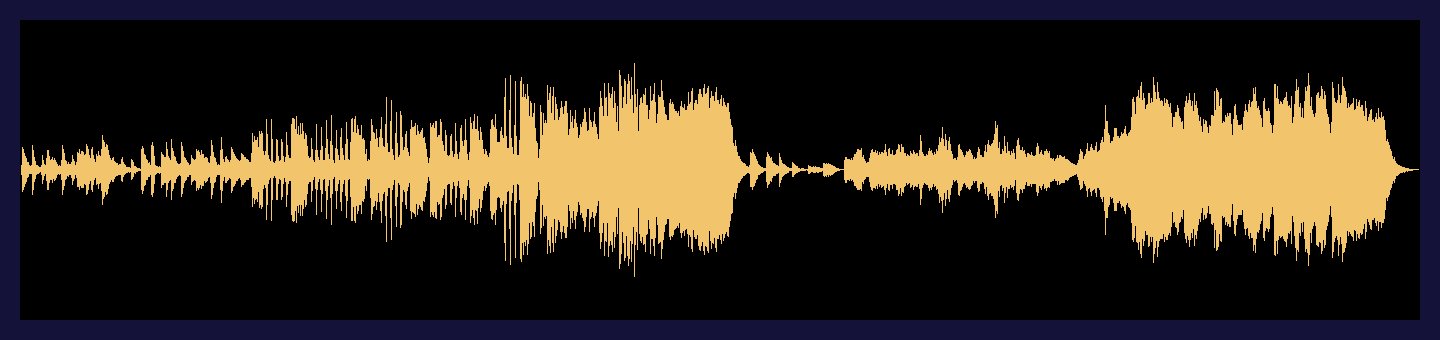
The episode 1 music: you can see the silence when the glider crashes. The edit
Cuts, fades, the volume of sound effects and music. The finished episode lasts just over a minute.

Checking the fades in the edit, frame by frame.
The hardest part: keeping everything the same
A video AI forgets from one shot to the next. A few mistakes spotted and fixed before publishing:
- The balloon's basket kept switching from a blue wheelbarrow to a wicker basket.
- The lily pad on Ayden's head changed size and disappeared.
- Dad appeared on the quay while he was supposed to be in the shop.
- Ayden never has hair: a shot where he did was cut.